
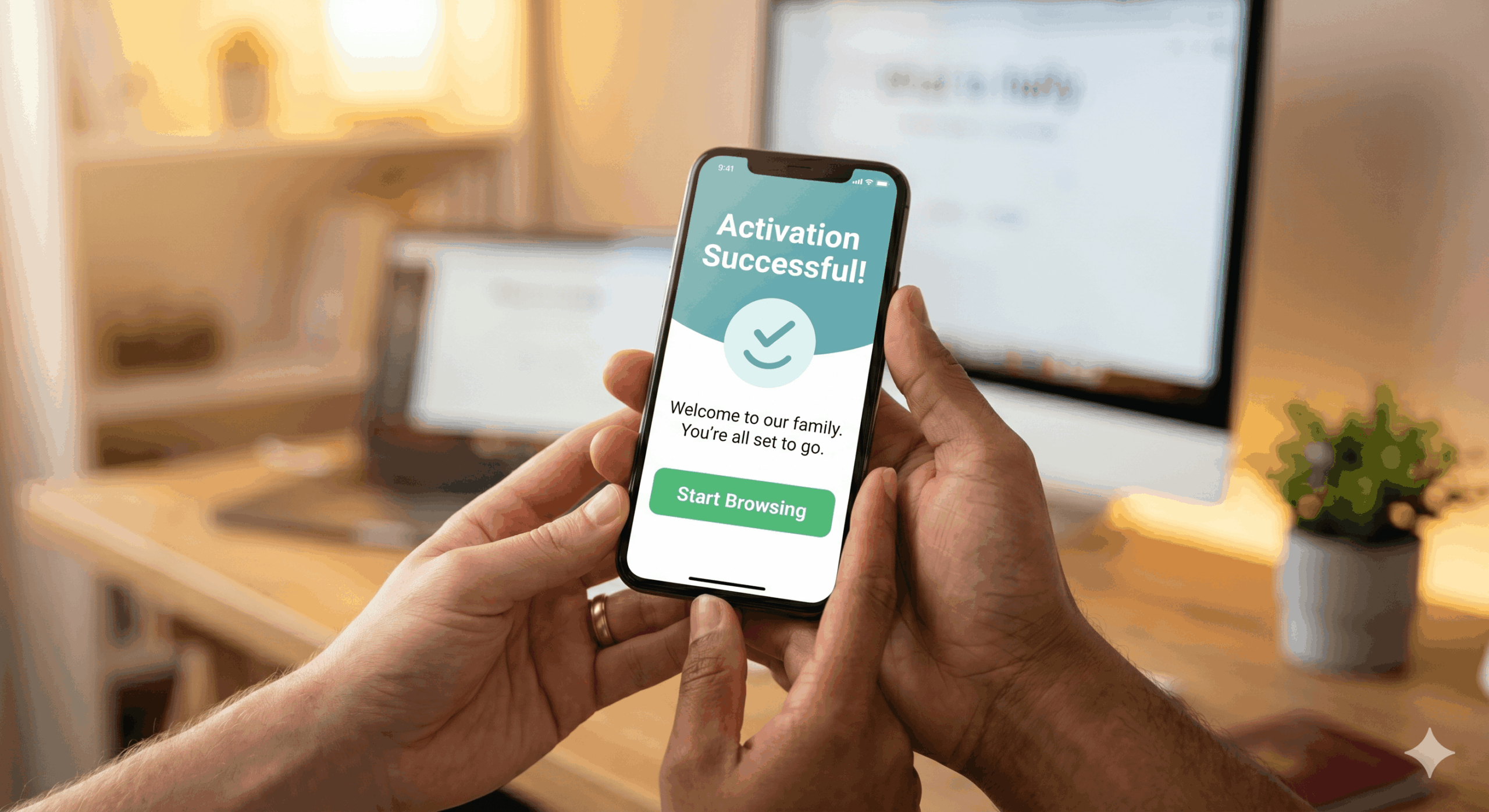
I remember the first time I heard the word “eSIM.” I was standing in a busy airport, staring at a tiny piece of plastic I had just dropped onto the floor, wondering why staying connected had to be so physically difficult. Since then, I’ve transitioned entirely to digital SIMs, and I’ve helped hundreds of fellow travelers do the same. If the idea of a “digital” SIM card sounds like science fiction, don’t worry. I’ve been where you are. Today, I’m going to show you exactly how to get free eSIM access and activate it in under five minutes. No tools, no stores, and absolutely no cost.
In 2026, the technology has matured to the point where “activation” is as simple as scanning a code or tapping a notification. Major providers are currently offering 1GB trials specifically to show beginners how easy the process is. Let’s walk through the journey from “No Service” to “Fully Connected” for $0.
What is an eSIM? (The Simple Version)
Think of a traditional SIM card like a physical key to a house. To change houses, you need a new key. An eSIM (embedded SIM) is like a smart lock with a digital keypad. To change “houses” (or carriers), you just need to enter a new code. It is a tiny chip already built into your phone that can download different data plans from the cloud. When you get free esim access, you are simply downloading a profile onto that chip.
How This Works: The Pre-Flight Checklist
Before we jump into the activation, we need to make sure your “hardware” is ready. Even in 2026, there are two main requirements that trip up beginners:
1. Compatibility Check
Most phones made after 2020 are compatible. This includes the iPhone 11 and newer, Samsung S20 and newer, and Google Pixel 3 and up. A quick way to check is to look for an “EID” number in your phone’s “About” settings. If you see it, you’re ready.
2. The “Unlocked” Rule
This is the most important step. If your phone is currently “locked” to a specific carrier (like a 24-month contract plan), you might not be able to add a second digital line. You can check this in Settings > General > About > Carrier Lock. It should say “No SIM restrictions.”
Step-by-Step: How to Get Your Free eSIM Active
Ready to go? Follow these five steps to claim your 1GB esim free trial and get online instantly.
Step 1: Choose a Reliable Free Trial
Start by finding a provider that offers a “No Credit Card Required” trial. In 2026, several reputable apps allow you to claim 1GB of data just for signing up. This is the best way to get free esim experience without any financial risk.
Step 2: Download the Official App
Head to the App Store or Google Play Store. Once the app is installed, create an account with your email. Most trials will have a prominent “Claim Free Trial” button on the home screen.
Step 3: The Installation “Handshake”
Once you click “Activate,” your phone will receive a digital “handshake” from the carrier. A pop-up will appear on your screen asking if you want to “Add Cellular Plan.” Tap **Continue**. You don’t even need to scan a QR code anymore—it’s all handled in the background.
Step 4: Label Your Lines
To keep things organized, your phone will ask you to label the new line. I recommend calling it “Free Data” or “Travel.” This ensures you know exactly which SIM is providing your internet and which one is your regular home number.
Step 5: Toggle the Switch
Go to your Cellular Data settings and select your new “Free Data” line as the primary source for internet. Make sure “Data Roaming” is turned ON for the new line, and you’ll see the signal bars light up!
Activation Comparison: App vs. QR Code
| Method | Effort Level | Best For |
|---|---|---|
| In-App Activation | Low (One Tap) | Absolute Beginners |
| QR Code Scan | Medium (Needs 2nd Screen) | Desktop Users |
| Manual Entry | High (Typing Codes) | Advanced Users Only |
Pros and Cons: Is It Worth the 5 Minutes?
Beginner Tip: If your activation fails, don’t panic! 99% of the time, it’s because your Wi-Fi signal was too weak during the download. Try again when you have a solid connection.
Pros
- Zero Cost: It is a 100% free way to stay connected.
- Safety First: You keep your physical SIM inside your phone, so you don’t lose it.
- Speed: It is faster than walking to a store and waiting in line.
Cons
- Battery Life: Running two SIMs (your home one and the free trial) can drain your battery slightly faster.
- One-Time Offer: You can only get free esim trials as a new customer for each provider.
If you’ve mastered the USA activation, why not see how it works across the border? Check out our guide to the best free Canada eSIM options for your next trip.
Technical Deep Dive: What Happens During Activation?
When you trigger an activation, your phone communicates with a “SM-DP+” (Subscription Manager Data Preparation) server. This server sends an encrypted digital package containing your unique IMSI (International Mobile Subscriber Identity) and authentication keys. In 2026, this encryption is more secure than traditional SIM cards, as it cannot be physically stolen or “cloned” easily. As highlighted by Google Support, using an eSIM allows you to use DSDS (Dual SIM Dual Standby), which is the tech that lets you receive calls on your home number while using the free data line simultaneously.
FAQ: Your First eSIM Activation
Do I have to delete my old SIM?
No! That is the best part. Your physical SIM stays in the phone. The eSIM works alongside it as a second line.
Can I activate a free eSIM without Wi-Fi?
Usually, no. You need a small amount of data to download the eSIM profile from the server. Always do your activation at home or at a trusted Wi-Fi spot.
Is my data private when I use a free eSIM?
Yes. Cellular data is much more private than public Wi-Fi. However, always ensure you are using a trusted provider from a site like esimfree.org.
Will this delete my photos or contacts?
Never. Adding an eSIM only affects your network connection. Your photos, apps, and contacts remain completely untouched.
What if I want to remove the eSIM later?
It’s easy. Just go to your Cellular settings, select the plan, and tap “Delete eSIM.” It’s like deleting an app.
Conclusion
Learning how to get free eSIM access is a “superpower” for the modern traveler. It removes the stress of arrival, saves you money, and keeps you connected to the people who matter most. Don’t let the technology intimidate you—it was built to make your life easier. Download a trial, follow the steps, and join the digital revolution today. Your first gigabyte of freedom is only a few taps away.