
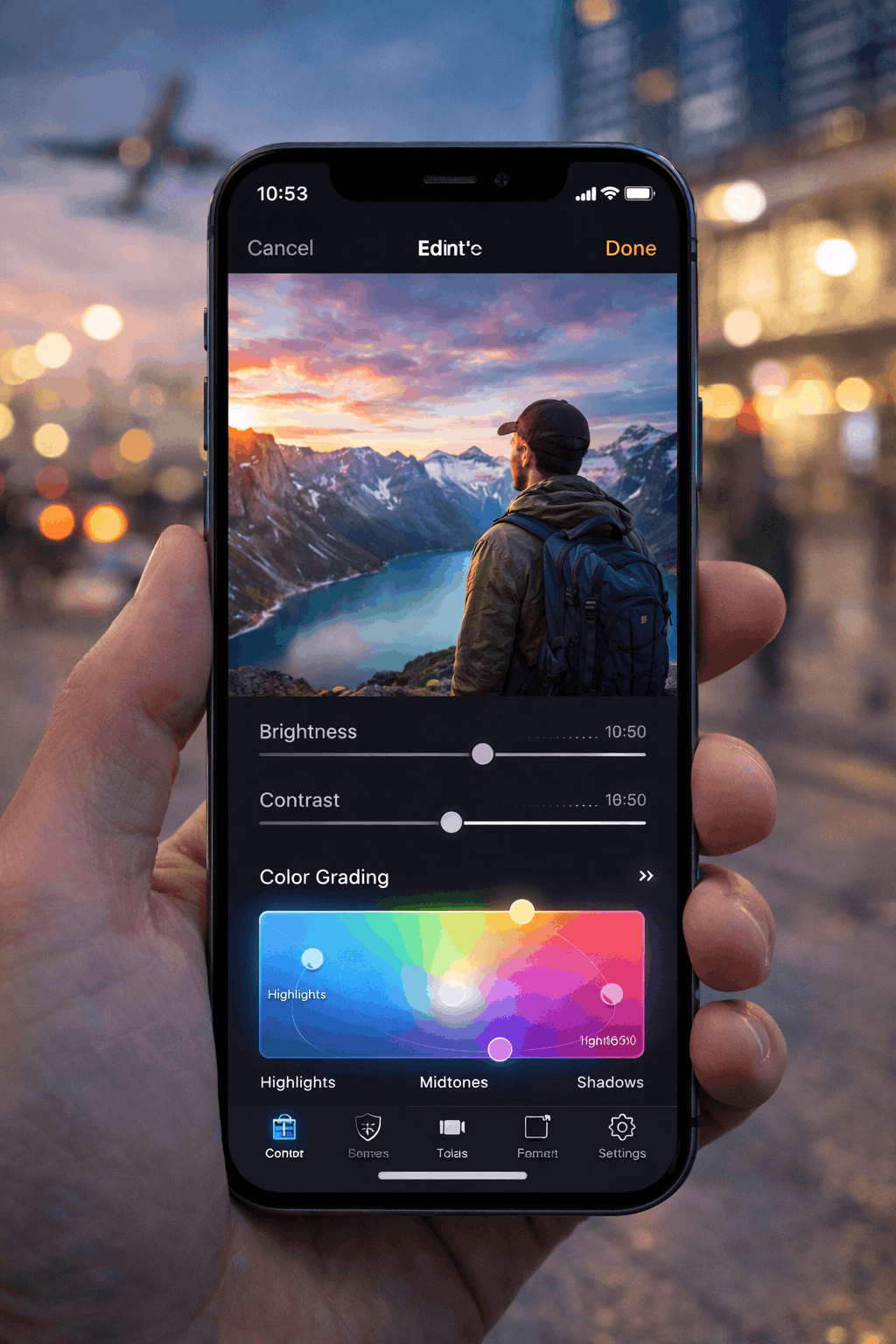
Top 5 Free Photo Editor Apps for iPhone in 2026 (No Watermark, No Cost)
I’ve edited photos on everything—from DSLR workflows to mobile pipelines—and if there’s one thing I can confidently say in 2026, it’s this:
You don’t need to pay to get professional-quality edits on your iPhone.
In fact, some of the best photo editing tools today are completely free—and more powerful than desktop software from just a few years ago.
As a developer and frequent traveler, I rely heavily on mobile editing. When I’m in a new city—Paris, Istanbul, or anywhere else—I don’t want to carry a laptop just to tweak photos.
But here’s the catch:
Not all “free” apps are actually free.
Some add watermarks. Others lock basic features behind subscriptions. And a few quietly compress your images or upload them in the background—burning your data if you’re using a free eSIM.
So I tested dozens of apps and narrowed it down to the top 5 photo editor apps for iPhone in 2026 that are truly 100% free.
Quick Comparison
| App | Best For | Watermark | Offline Use |
|---|---|---|---|
| Snapseed | All-around editing | No | Yes |
| Lightroom Mobile (Free Tier) | Color grading | No | Partial |
| VSCO (Free Tools) | Filters & aesthetics | No | Yes |
| Photoshop Express | Quick fixes | No | Partial |
| Darkroom | iOS-native editing | No | Yes |
1. Snapseed – The Most Powerful Free Editor
The first app I install on any iPhone is Snapseed.
It’s developed by Google, but surprisingly lightweight and fully offline.
What makes Snapseed stand out is its precision control. You can adjust specific areas of a photo instead of applying global edits.
Real-world use: I’ve used it to fix overexposed travel shots taken in harsh sunlight—something most apps struggle with.
Key Features:
- Selective editing tools
- RAW support
- No watermark, no ads
Why it’s #1: It feels like a desktop editor in your pocket.
2. Lightroom Mobile – Professional Color Control (Free Version)
Lightroom Mobile is the go-to app for serious photographers.
Even the free version gives you access to powerful color grading tools.
Developer perspective: Lightroom uses advanced image processing algorithms that preserve detail better than most apps.
Important tip: Disable cloud sync if you’re using a free eSIM—uploads can consume a lot of data.
Best For:
- Color grading
- Exposure correction
- Professional presets
3. VSCO – Clean Aesthetic Filters
If you’re into minimal, film-style edits, VSCO is still one of the best options.
The free version includes a solid set of filters that don’t look overly processed.
Real use: I use VSCO for quick edits when I want a consistent Instagram-style look without spending time tweaking settings.
Pros:
- Beautiful presets
- Simple interface
- No watermark
Cons: Many advanced filters are paid
4. Photoshop Express – Fast and Practical
Photoshop Express is perfect when you need quick edits.
It’s not as deep as Snapseed or Lightroom, but it’s extremely efficient.
Best use case: Cropping, fixing lighting, removing blemishes in seconds.
When I’m traveling and need to upload a photo quickly, this is often my go-to.
Key Features:
- One-tap corrections
- Face retouching
- Quick export options
5. Darkroom – The Best Native iPhone Experience
Darkroom is built specifically for iOS, and it shows.
It integrates directly with your photo library and works incredibly smoothly.
Why I like it: It’s fast, clean, and doesn’t feel bloated.
Real-world scenario: Editing photos on the go without draining battery or data.
Best Features:
- Real-time editing
- Batch processing
- Offline functionality
Pro Tip: Avoid Data Drain While Editing
Here’s something most people overlook:
Photo apps can silently upload images to the cloud, especially:
- iCloud Photos
- Google Photos
- Lightroom sync
If you’re using a free eSIM, this can destroy your data instantly.
What I do:
- Enable Low Data Mode
- Disable background sync
- Edit photos offline
This ensures you keep full control over your data usage.
How This Connects to Free eSIM Usage
Here’s the connection most people miss:
Editing photos is one of the biggest hidden data drains while traveling.
Uploading just 10 high-quality images can easily consume hundreds of MB.
That’s why I combine these apps with esimfree.org to:
- Track my remaining data
- Access additional free trials
- Avoid running out unexpectedly
FAQ
Are these apps really 100% free?
Yes. All listed apps offer full editing capabilities without requiring payment or adding watermarks.
Do they reduce image quality?
No—especially Snapseed and Lightroom, which preserve high resolution and RAW data.
Which app is best overall?
Snapseed is the most complete free solution for most users.
Final Thoughts
In 2026, mobile photography is no longer limited by software—it’s limited by how you use it.
The apps on this list give you everything you need to:
- Edit professionally
- Stay fully mobile
- Avoid unnecessary costs
And when paired with a smart data strategy (and tools like esimfree.org), you can create, edit, and share content from anywhere in the world—without worrying about limits.
Because great photos shouldn’t come with hidden costs.