
Top 5 Apps to Manage Your eSIM Data Usage in 2026
Let me be blunt: in 2026, 1GB of data is nothing.
With 5G speeds and increasingly aggressive background syncing, I’ve personally seen a full 1GB eSIM trial vanish in under 10 minutes—no streaming, no downloads, just silent background processes doing their thing.
I learned this the hard way landing in Paris last year. I activated a fresh trial, opened Google Maps, checked my Airbnb… and suddenly I was at 80% usage. The culprit? iCloud Photos syncing in the background.
That’s when I realized something critical: managing your data is just as important as getting it for free.
In this guide, I’ll walk you through the top 5 apps and tools to manage your eSIM data usage—based on real-world testing across Europe and Turkey, and from the perspective of someone who builds systems for a living and travels constantly.
Quick Comparison: Best eSIM Data Management Apps (2026)
| App Name | Platform | Best Feature | User Rating |
|---|---|---|---|
| Native OS Tools | iOS / Android | Built-in data tracking & reset | ★★★★★ |
| My Data Manager | iOS / Android | Per-app usage tracking | ★★★★☆ |
| GlassWire | Android / Desktop | Real-time data usage graph | ★★★★☆ |
| Datally (or equivalent) | Android | Data blocking “bubble” | ★★★★☆ |
| esimfree.org Dashboard | Web | Track & top-up free trials | ★★★★★ |
1. Native OS Tools (iOS & Android) – The Most Underrated Power Tool
As a developer, I always start with what’s already on the device. And honestly? The built-in tools in iOS and Android are criminally underrated.
iPhone: The “Current Period” Reset Trick
On iOS, go to:
- Settings → Cellular → Cellular Data Usage
You’ll see a “Current Period” counter—but here’s the catch: it never resets automatically.
This means if you don’t manually reset it before your trip, your data tracking is basically useless.
What I do: The moment I land (literally at the gate), I scroll down and hit “Reset Statistics.” That gives me a clean baseline for my eSIM usage.
Android: Data Warnings & Limits
Android is even more flexible:
- Set Data Warnings at 500MB or 1GB
- Set Hard Limits to completely shut off data
This saved me in Istanbul when a rogue app tried to sync in the background.
Pros:
- 100% free and built-in
- Accurate tracking
- No extra battery usage
Cons:
- No alerts on iOS
- Limited automation
2. My Data Manager – The Veteran Tracker
This app has been around forever, and for good reason—it just works.
What makes My Data Manager powerful is its ability to track historical usage and break down data consumption per app.
During a trip to Nice, I used it to figure out why my data kept disappearing overnight. Turns out, a news app was refreshing every hour.
Key Features:
- Per-app data tracking
- Custom usage budgets
- Alerts when nearing limits
Pros:
- Great visibility into long-term usage
- Works on both iOS and Android
Cons:
- Slightly outdated UI
- Less real-time than newer apps
3. GlassWire – The Developer’s Favorite Visual Tool
If you’re like me and prefer visual debugging, GlassWire is a game-changer.
It shows a live graph of your data usage, and more importantly, exactly which app is consuming data in real time.
I once watched Google Photos burn through 300MB in minutes on this graph. That was the moment I disabled background sync permanently while traveling.
Key Features:
- Real-time usage graphs
- App-level monitoring
- Alerts for unusual spikes
Pros:
- Extremely visual and intuitive
- Great for debugging data leaks
Cons:
- Android-focused
- Slight learning curve
4. Datally (or 2026 Equivalent) – The Data Gatekeeper
This category of apps is all about control.
The standout feature here is the “Data Bubble”—a floating control that lets you block apps from using data entirely unless you explicitly allow it.
Think of it as a firewall for your mobile data.
When I was traveling through rural Turkey with limited coverage, this tool ensured that not a single kilobyte was wasted.
Key Features:
- Block background data usage
- Real-time control over apps
- Usage insights
Pros:
- Maximum control over data
- Perfect for low-data scenarios
Cons:
- Android-only ecosystem
- Can be intrusive if misconfigured
5. esimfree.org Dashboard – The Smart Traveler’s Control Panel
This is where everything comes together.
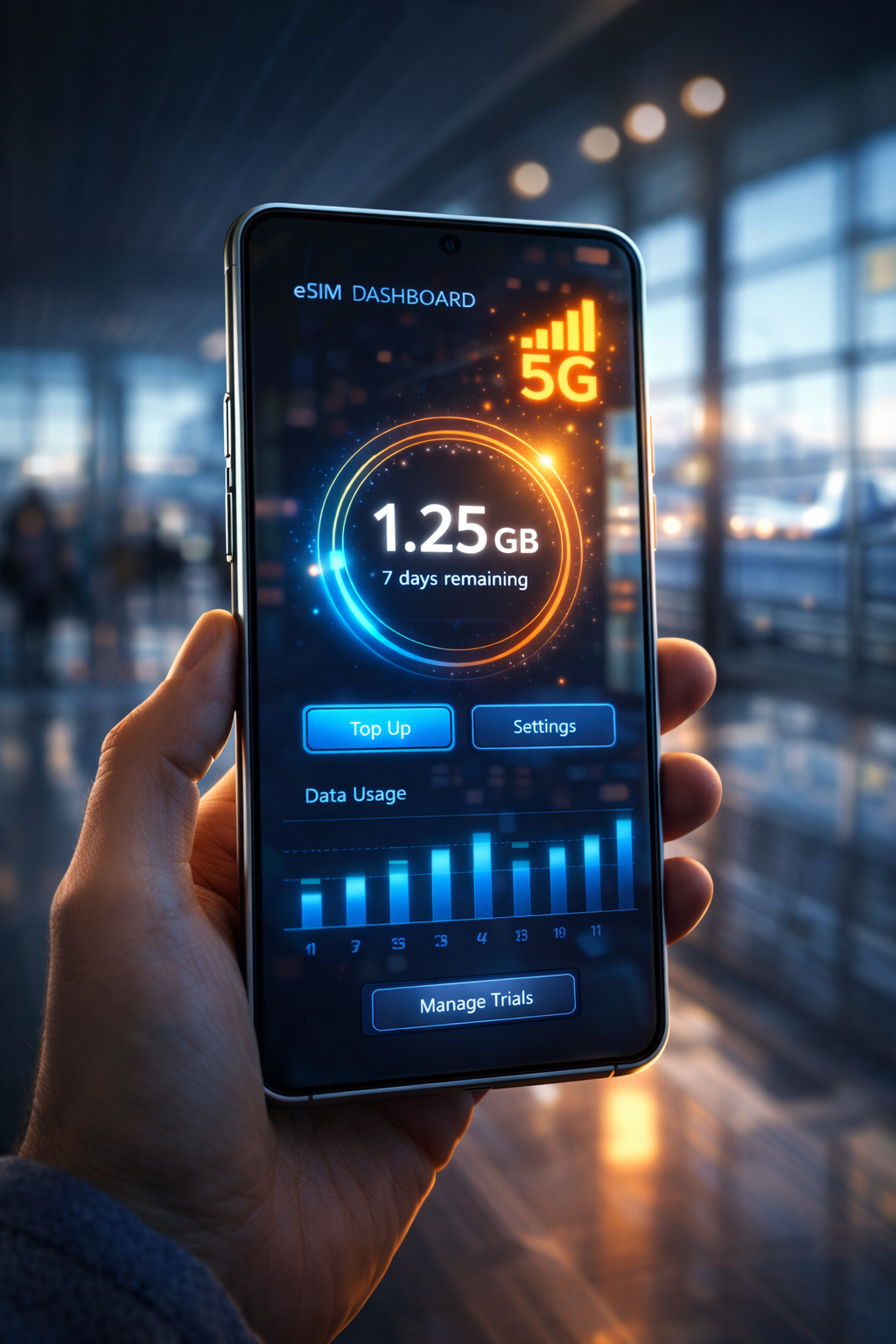
The esimfree.org dashboard isn’t just a place to get free data—it’s your central command center for managing it.
From my experience, it’s the only platform that lets you:
- Track your remaining data balance
- Monitor trial validity
- Top up verified 5G trials without a credit card
Unlike traditional big-brand apps, which lock you into expensive plans, esimfree.org gives you flexibility and transparency.
During my last trip, I used it to stack multiple trials and keep everything organized in one place.
Pros:
- Centralized management
- Access to exclusive free trials
- No credit card required
Cons:
- Requires internet access to check dashboard
Pro-Developer Tip: Use Low Data Mode Like a Firewall
Here’s something most people don’t realize:
Enabling Low Data Mode (iOS) or Data Saver (Android) forces apps to stop background syncing.
This includes:
- Background App Refresh
- iCloud / Google Photos uploads
- Auto-updates
How to enable (iPhone):
Settings → Cellular → Cellular Data Options → Low Data Mode
As a developer, I treat this like a network-level constraint. It enforces data scarcity across the entire system.
In real-world terms? It can literally double or triple your eSIM lifespan.
How to Reset Your Cellular Statistics (Do This on Day 1)
This is non-negotiable.
If you don’t reset your stats, you’re flying blind.
Steps (iPhone):
- Go to Settings → Cellular
- Scroll to the bottom
- Tap “Reset Statistics”
Steps (Android):
- Go to Network Settings
- Reset usage cycle or set a new billing period
I do this every single trip. It’s the only way to measure actual eSIM consumption accurately.
FAQ
Do these apps drain battery?
Negligible. Compared to the cost of roaming or losing your data mid-trip, the battery impact is insignificant.
Why does data disappear so fast on eSIM?
Because of 5G speeds and background syncing. Apps are constantly communicating unless you restrict them.
Is one app enough?
No. The best strategy is combining tools—OS tracking + a monitoring app + esimfree.org dashboard.
Final Thoughts
Managing your eSIM data in 2026 isn’t optional—it’s essential.
With the rise of free trials and no-credit-card plans, the real challenge isn’t getting data—it’s not wasting it.
From built-in OS tools to advanced monitoring apps and the esimfree.org dashboard, you now have everything you need to stay in control.
And trust me—after years of debugging network issues and traveling across continents, nothing feels better than landing in a new country and knowing your data is under control.